
A TV should be comfortable to watch and look balanced with the surrounding furniture. Choosing the right size is only part of the job. Its height, the seating distance and the media unit underneath (if there is one) all matter.
Grab a tape measure. We’ll explain how to choose and install the right TV for your space.
How is TV size measured?
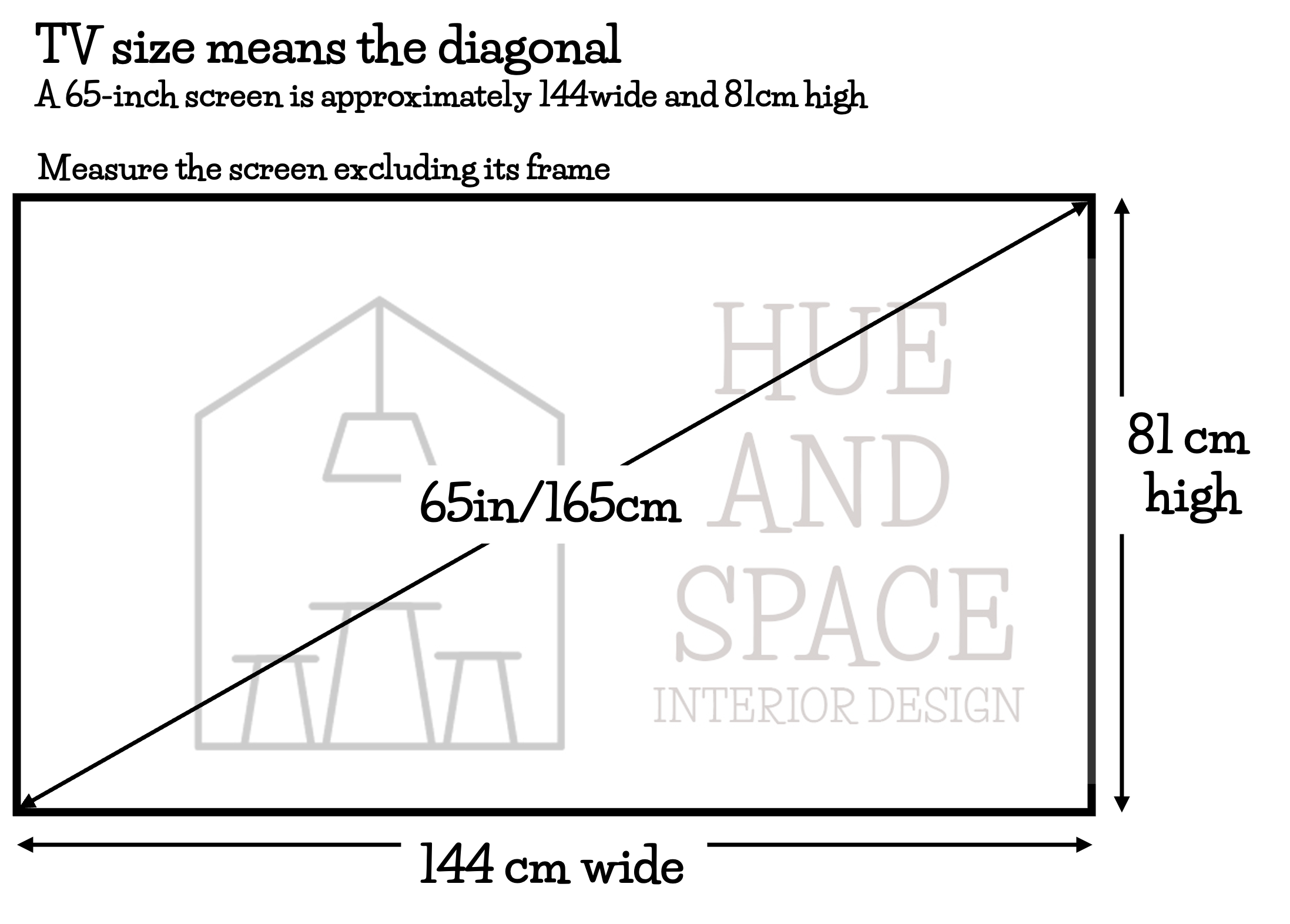
A TV’s advertised size measures the screen diagonally, from one corner to the opposite corner. It doesn’t tell you how wide the screen is.
That’s why a “65-inch TV” isn’t 165 cm wide. Its screen is approximately 144 cm wide and 81 cm high. Samsung’s TV size guide explains this measurement.
You don’t need to convert anything. When shopping, check the product specifications for the TV’s width and height in centimetres.
Check the overall dimensions, including the frame, before ordering furniture or designing joinery.
Why are TVs sold in inches?
Even in Australia, TVs are advertised in inches. That number measures the screen diagonally, from one corner to the opposite corner; it doesn’t tell you its width.
You don’t need to convert anything. Use the advertised size to identify the TV, then check its width in centimetres in the product specifications. Samsung’s size guide explains how it measures screens.
How to calculate the right TV size for your room
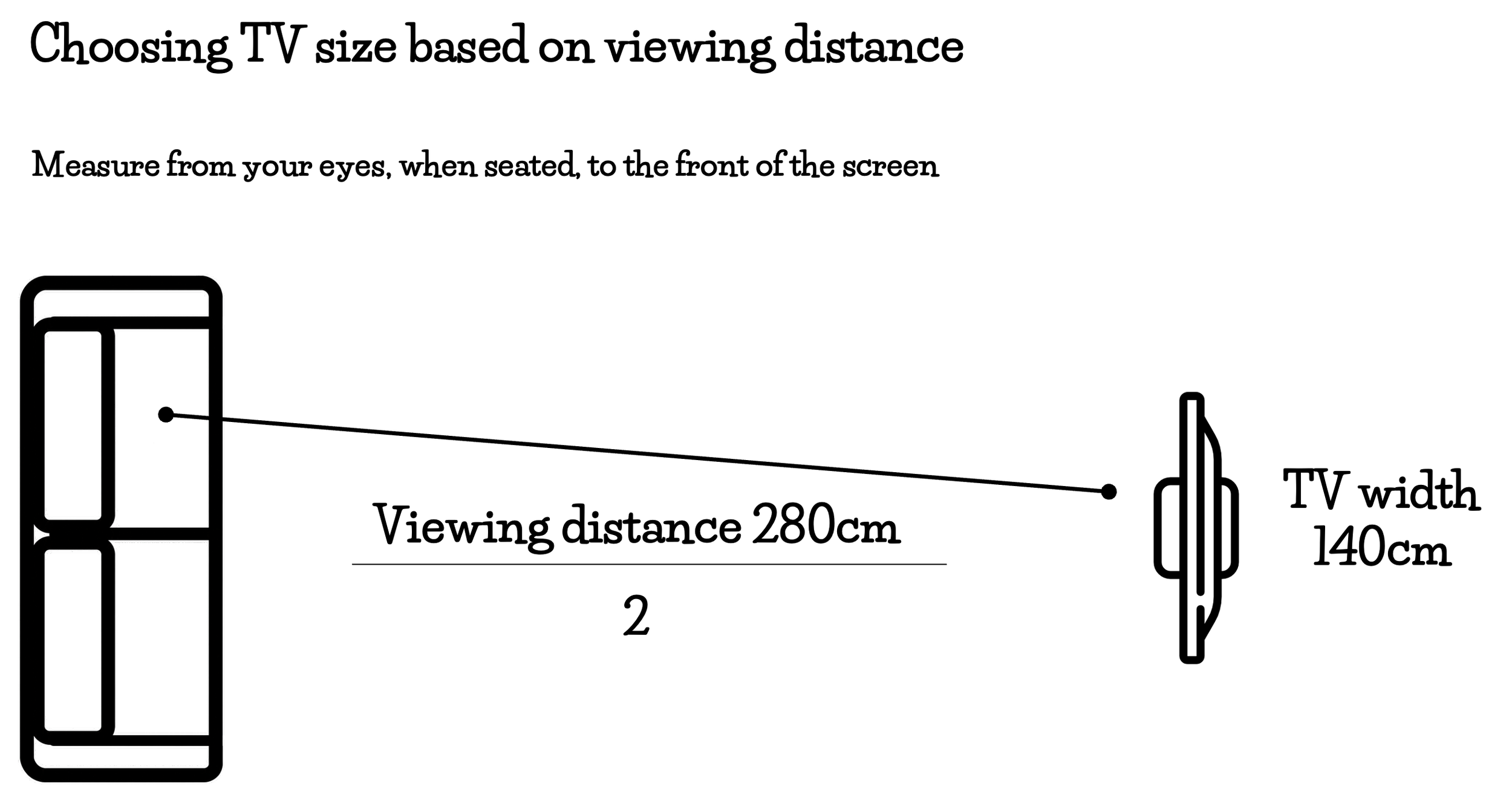
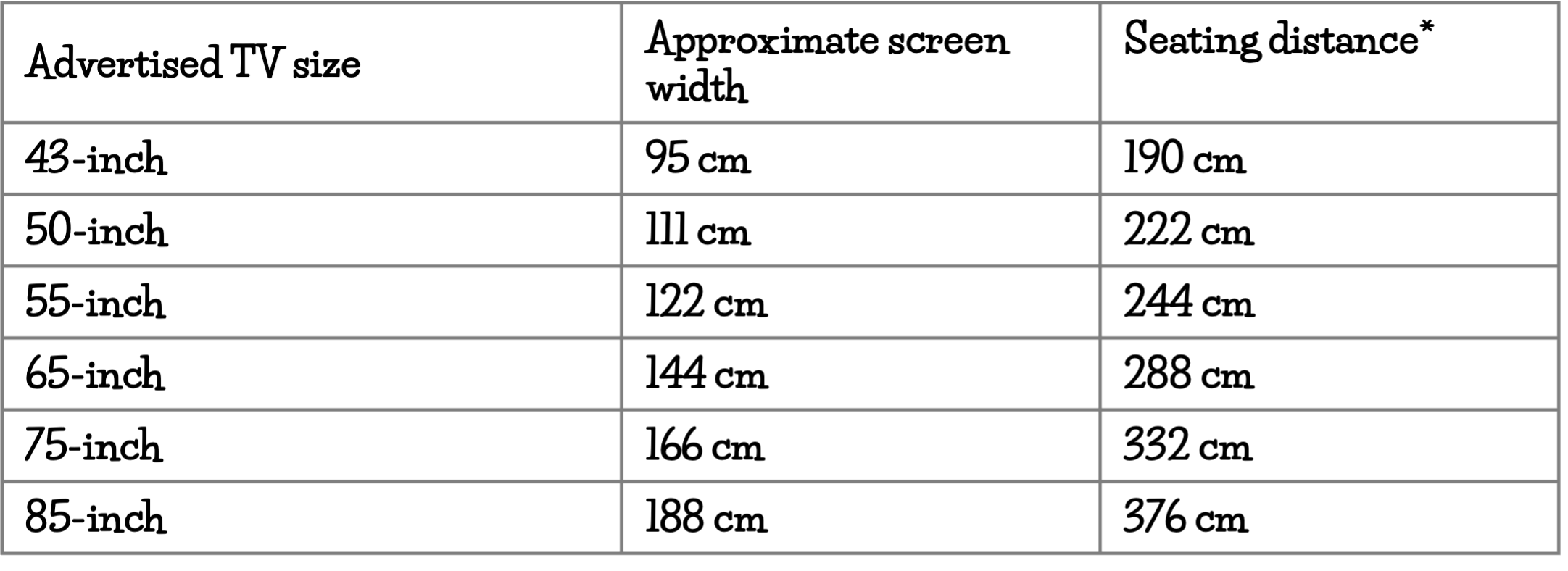
The seating distances use twice the screen width as a simple starting point. They are not fixed rules. Screen dimensions are approximate and exclude the frame.
Sit in your usual spot on the sofa. Measure from your eyes to where the front of the TV screen will be.
Divide that distance by two to get a useful starting screen width.
For example, if you sit 280 cm from the screen, look for a screen approximately 140 cm wide.
Use this as a simple starting point for a 4K TV. You might enjoy a larger screen for films, or prefer something smaller that feels less dominant in the room. The best choice should suit both your viewing preferences and your space.
If you’re keeping an older, lower-resolution television, you may prefer to sit further away.
Here’s a quick guide:
How wide should your TV be compared with your media unit?
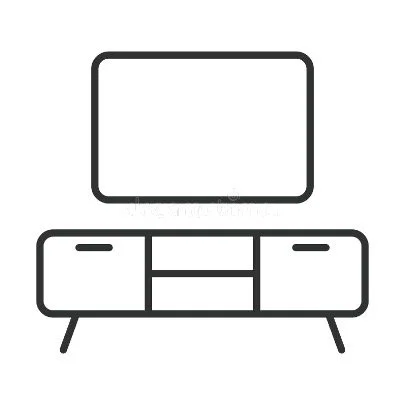
Before buying, check the TV’s overall width, including its frame, to make sure it fits your cabinet or joinery. As a visual guide, choose a media unit wider than your TV, leaving around 15–30 cm on each side.
For example, if your TV is 140 cm wide, a media unit approximately 170–200 cm wide will give it some breathing room.
Why does that scale matter?
The media unit forms the visual base of the arrangement. When it’s wider than the screen, it helps the TV look grounded and balanced.
A television that extends beyond the furniture underneath can make the arrangement look top-heavy, with the unit appearing too small for the screen.
This matters whether the TV stands on the unit or hangs above it. Choose them together, considering the wall and nearby furniture as well.
Built-in joinery and surrounding shelves can change these proportions, so treat the measurements as a design guide.
If your TV stands on the unit, also check that the furniture accommodates its feet or stand, supports its weight and meets the manufacturer’s requirements.
How high should you hang your TV?
Start with the centre of the screen at eye level when you're sitting comfortably.
Sit on your actual sofa, in your normal watching position, and ask someone to measure from the finished floor to your eyes.
Mark that height on the wall. This is the starting position for the centre of the screen, rather than its bottom edge or the wall bracket.
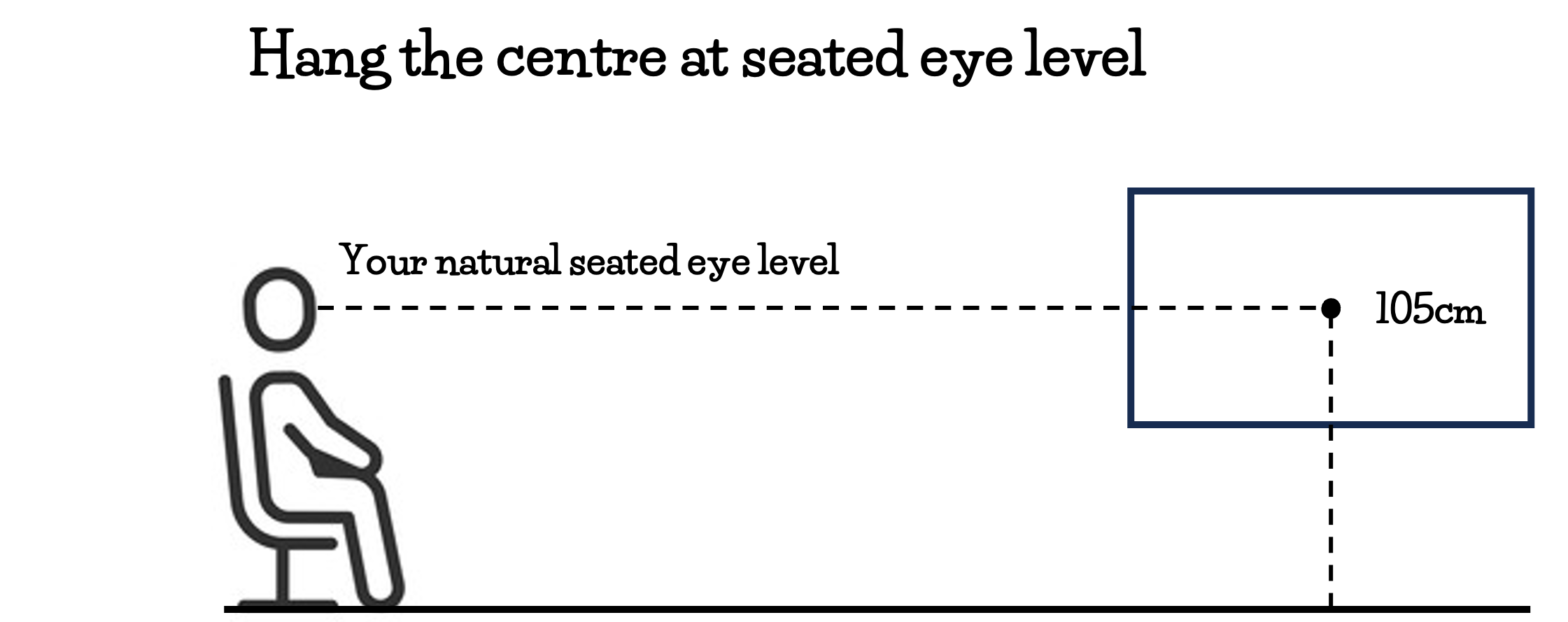
Measure while seated, just as you would for dining pendants
Your TV height should relate to how you use the room. Just as we check dining pendant heights from a seated position, we check a television from the sofa.
A TV can look perfectly positioned when you’re standing in front of the wall, then feel far too high once you sit down.
Your sofa height and posture matter the most. A low lounge, an upright armchair and a recliner can each give you a different eye height.
What if there’s a cabinet or soundbar underneath?
Check the cabinet height before finalising the screen position. Leave room for your soundbar too, and make sure it won’t block the screen.
If a tall cabinet forces the TV well above your seated eye level, consider a lower unit rather than automatically raising the screen.
Follow the TV and soundbar manufacturers’ instructions for spacing and ventilation. If you’re planning custom joinery, include access for cables and equipment from the beginning.
Why we avoid placing TVs above fireplaces
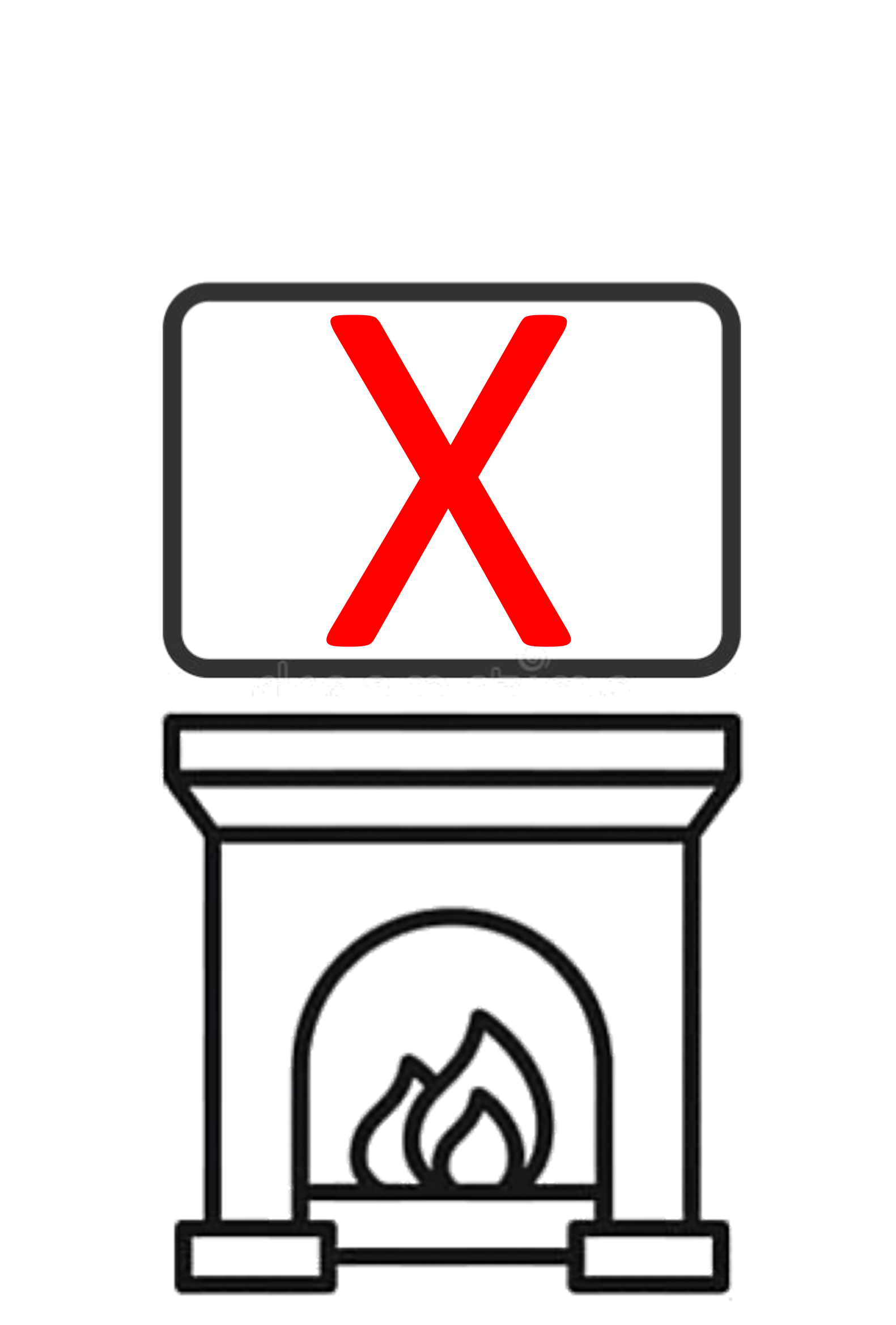
Our design advice is to avoid hanging your TV above a fireplace.
The fireplace and mantel usually push the screen above a comfortable seated viewing height. You can end up lifting your chin and looking upwards for an entire film. Tilting the screen doesn’t remove the need to look up.
Heat is another consideration. The proposed position must meet both the fireplace and television manufacturers’ installation requirements.
You also need to decide what you want the room to focus on. A fireplace and a TV both attract attention. Stacking them can make one wall feel crowded and limit how you arrange the seating.
Where possible, we position the TV elsewhere at a comfortable seated height and let the fireplace remain a feature in its own right.
What about a bedroom TV?
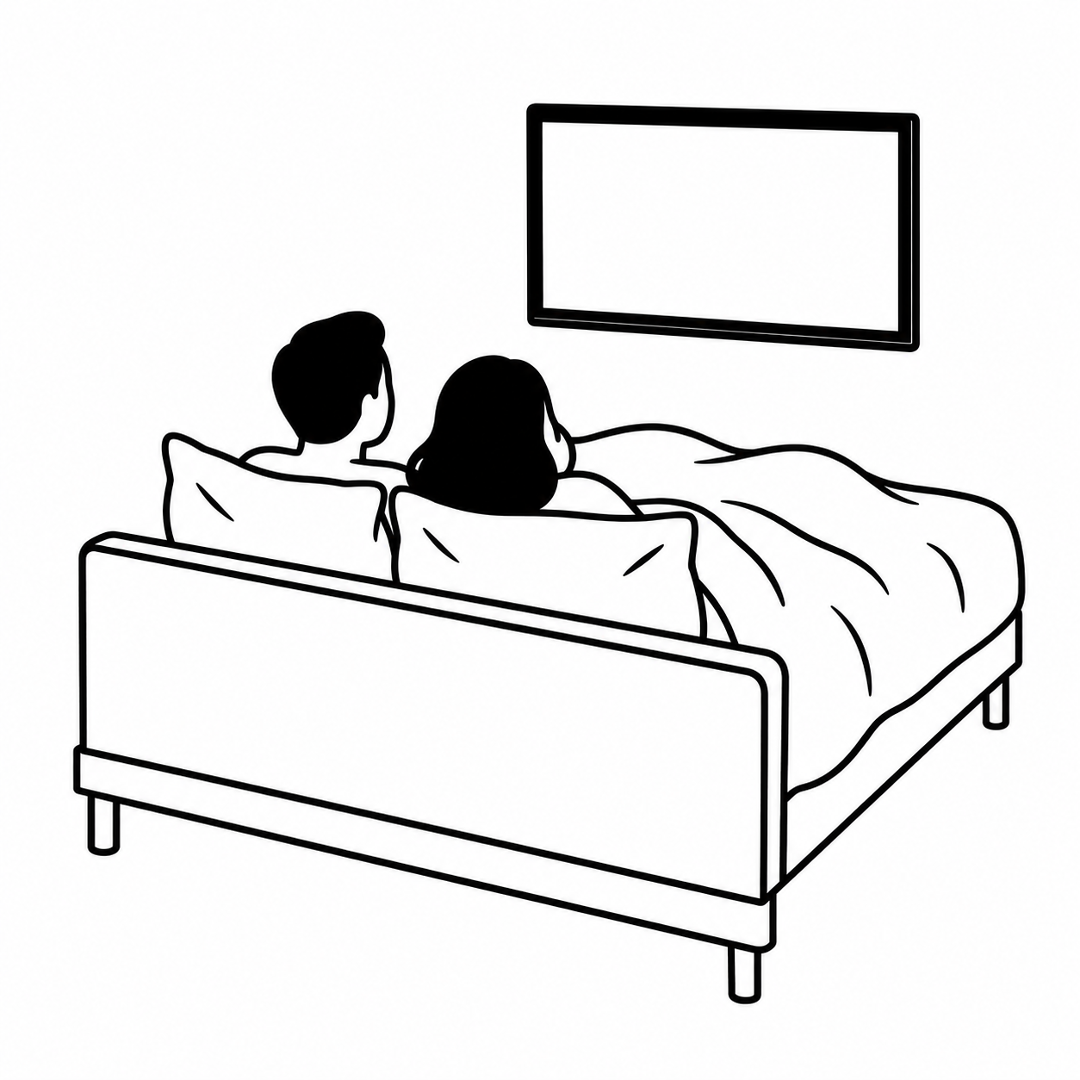
Measure from where you usually watch from bed.
If you watch while reclining against pillows, settle into that position before testing the screen height. A height that works from a sofa may feel quite different from a bed.
Check that you can see the whole screen comfortably without craning your neck or having bedding obscure the bottom edge.
Our final advice? Try the size and height before you buy
Use painter’s tape suitable for your wall finish to mark the TV’s overall outline on the wall.
If you’re buying a media unit too, mark its width underneath. This lets you see the screen and furniture as one arrangement.
Then sit in your usual spot and check:
Does the screen size feel right for the room?
Does the media unit look balanced underneath it?
Can you look towards the screen’s centre without lifting your chin?
Is there space for your soundbar?
Will windows or lamps reflect in the screen?
Can other regularly used seats see it comfortably?
Tape helps you assess the size and position. To judge the viewing experience, compare working screens in a shop from your measured seating distance.
Make the TV part of the room
At Hue & Space, we consider your TV alongside the seating, joinery, lighting and circulation. Getting these decisions right together creates a room that looks considered and works for everyday living.
Planning a complete living room redesign?
Book an in-home consultation with Hue & Space to explore how we can design your home around the way you live.